Four ways to fit the conversation to the visitor, depending on what you want to change:

Visit-aware instructions
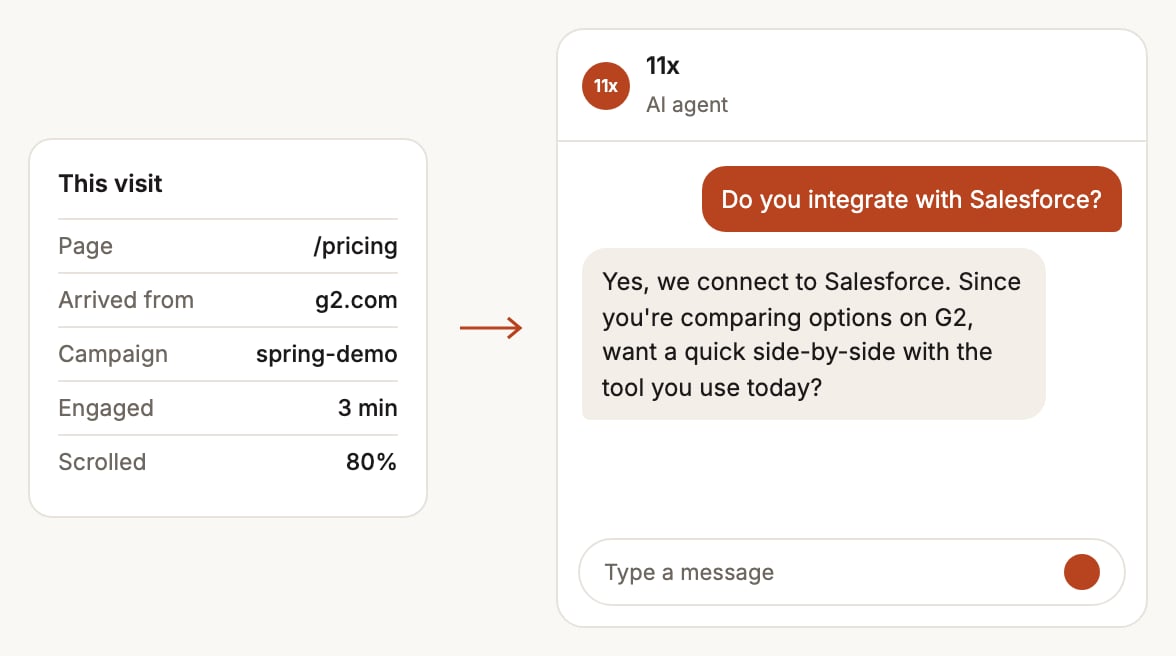
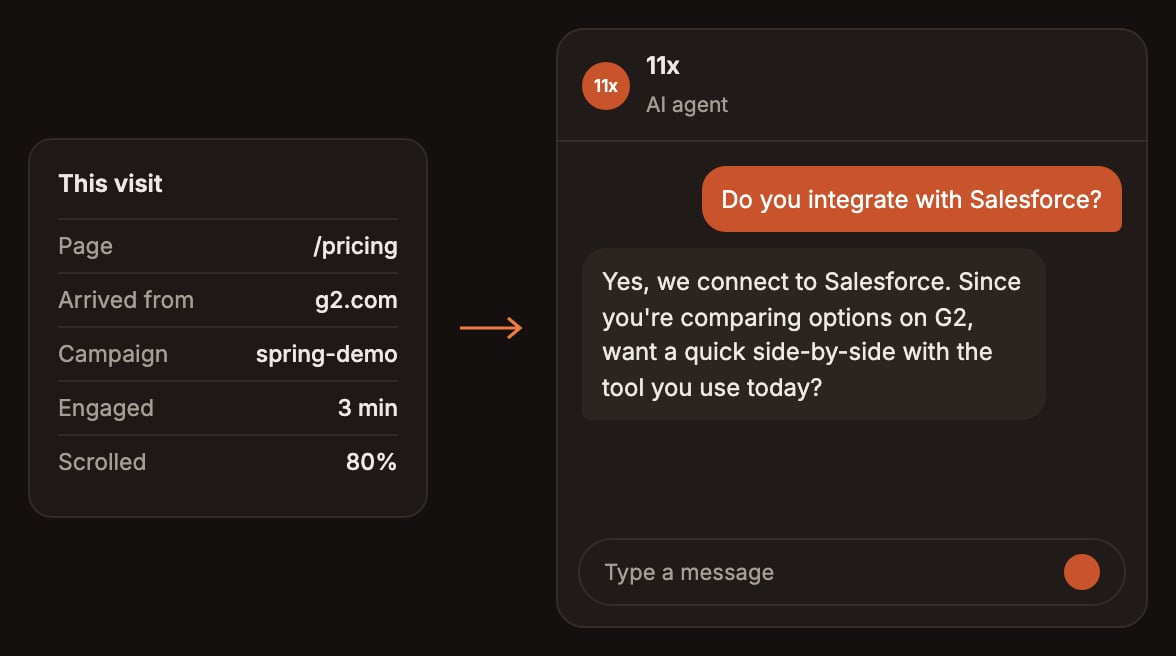
Details of the visit, such as the page, referring site and campaign, shaping the agent's replyDetails of the visit, such as the page, referring site and campaign, shaping the agent's reply
With every message, the widget tells the agent about the visit: the page, the referring site, the UTM parameters the visitor arrived with, how long they’ve been engaged and how far they’ve scrolled. The agent answers with that in mind. The widget holds these details in memory for the current visit, never in cookies or browser storage, and adds no identifier of its own. They’re saved with the conversation. To steer the agent by visit, add instructions that use these tokens:
A token with no value is left blank. Values come from the visitor’s browser, so the agent treats them as information, never as instructions.

Variables from the page

Input variables are placeholders such as {{plan_tier}} in the agent’s instructions. Besides widget attributes and page rules, a variable can be filled from:
Once an agent’s variables are mapped to sources, the widget reads only those sources, so map every widget attribute you want the agent to use.

Known-visitor auto-open

When your site knows who the visitor is, for example a logged-in user or a visitor your identification tool recognized, set known-visitor-email on the widget element. The widget looks up the visitor’s company and opens the chat automatically when the company’s size is in the range you choose. Configure it in Widget > Chat > Known-Visitor Auto-Open: Visitors with no company match, or outside the range, get the widget’s normal behavior.