

- Nudge
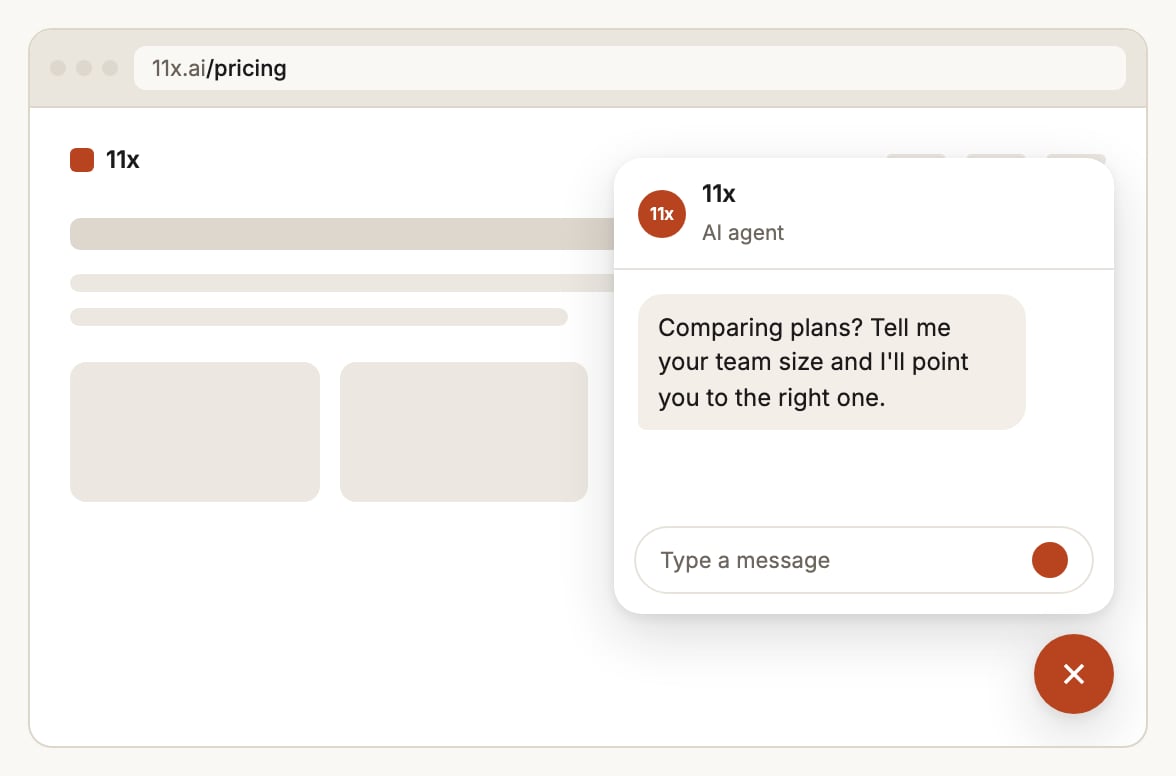
- Auto-open
Set it up
In Widget > Enhancements > Proactive Engagement, turn on Enable proactive engagement and add a trigger. A trigger fires when all of its conditions hold.
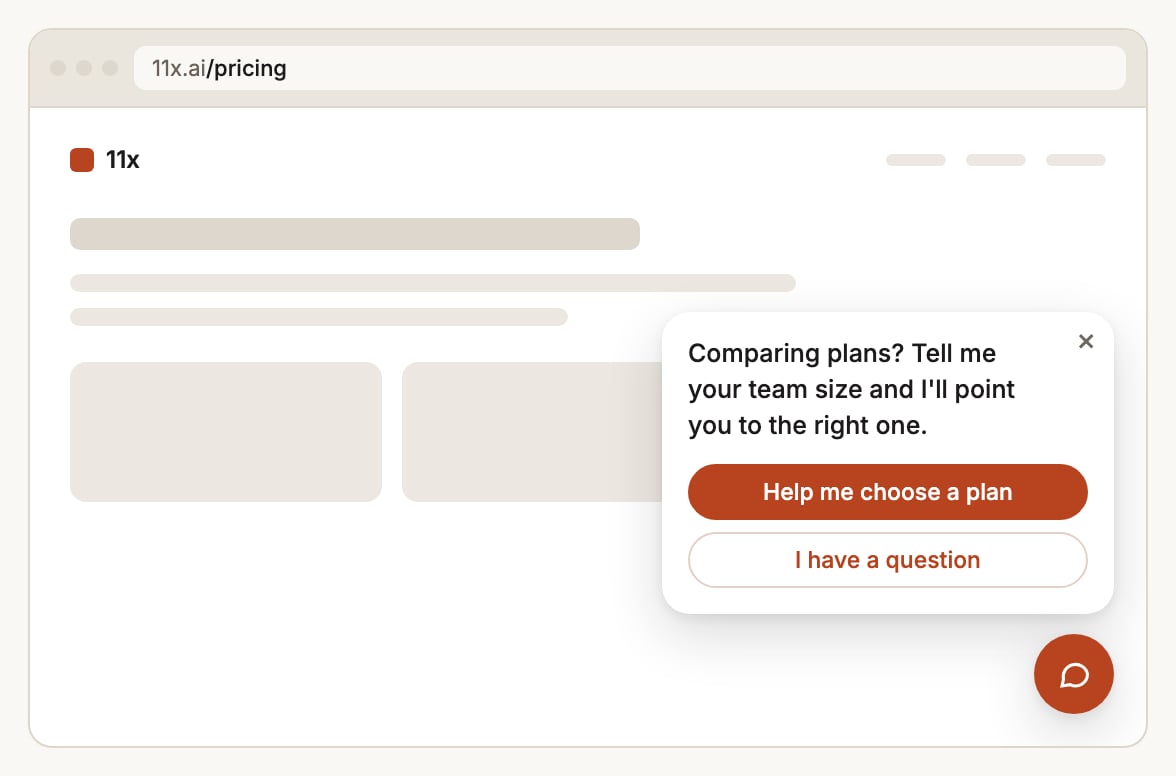
For nudges, Customize nudge sets the one-click replies (each has a label and the message it sends; mark one as
primary to fill it with your action color) and the bubble’s colors.
Openers for a campaign
Example
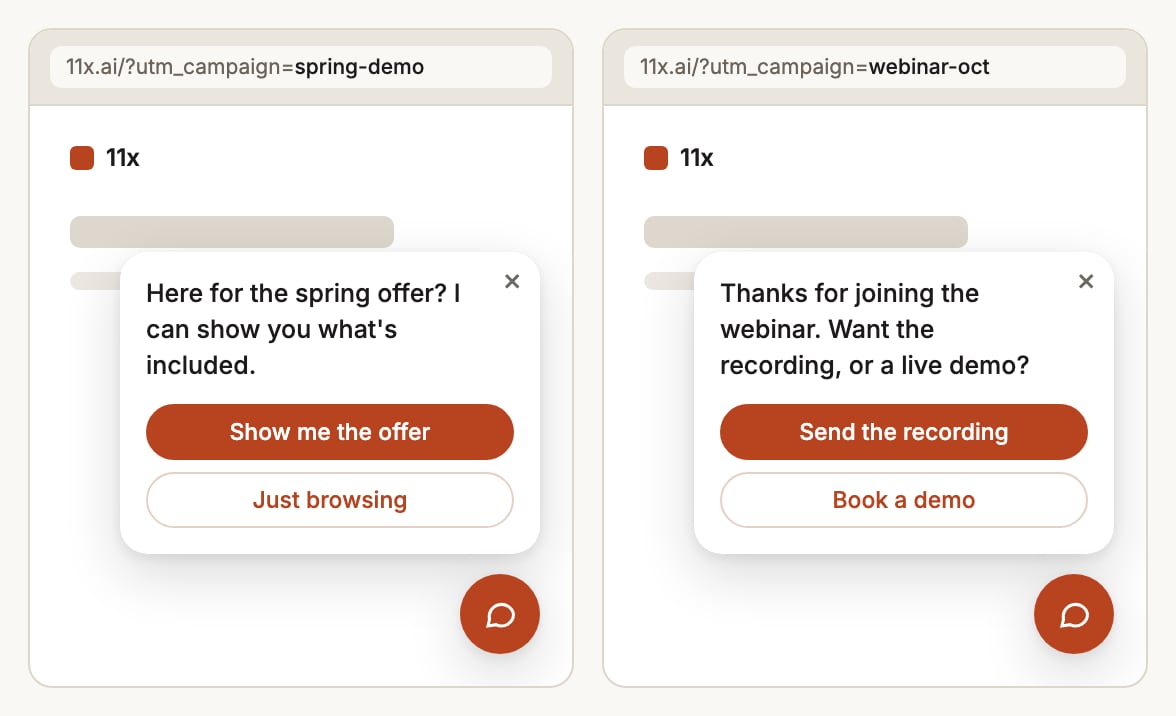
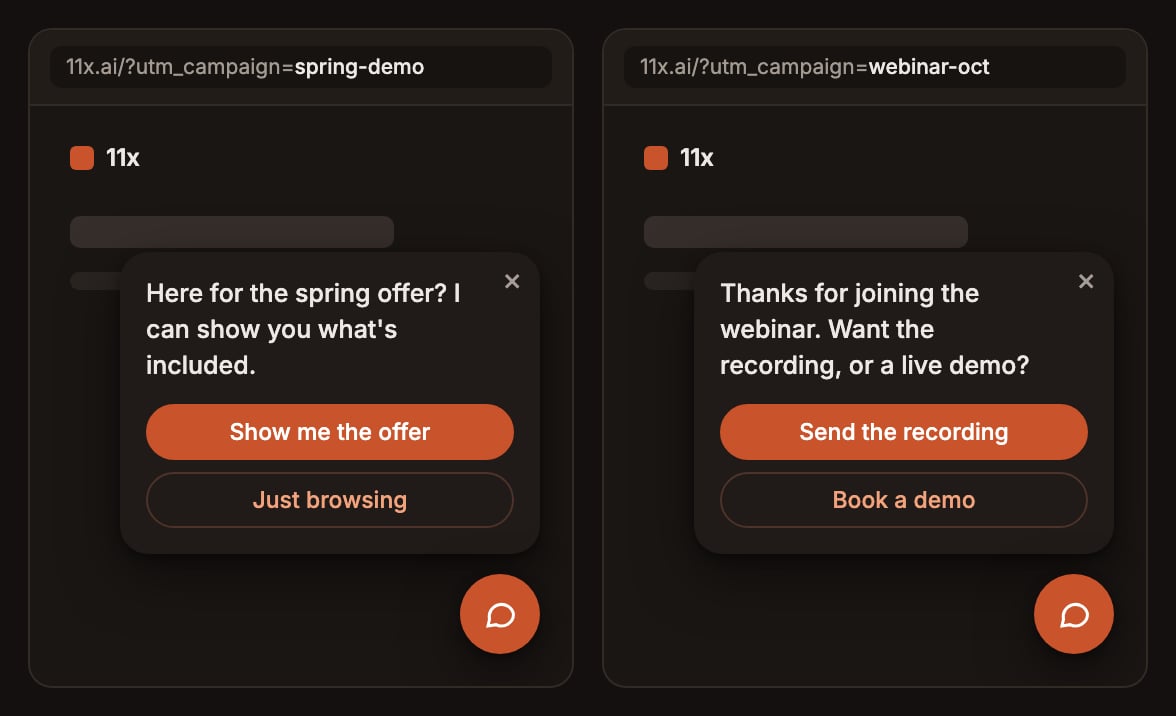
Three triggers, in this order:- Campaign nudge. UTM campaign
spring-demo, after 5 seconds, as a nudge: “Here for the spring offer? I can show you what’s included.” - Pricing auto-open. Pages
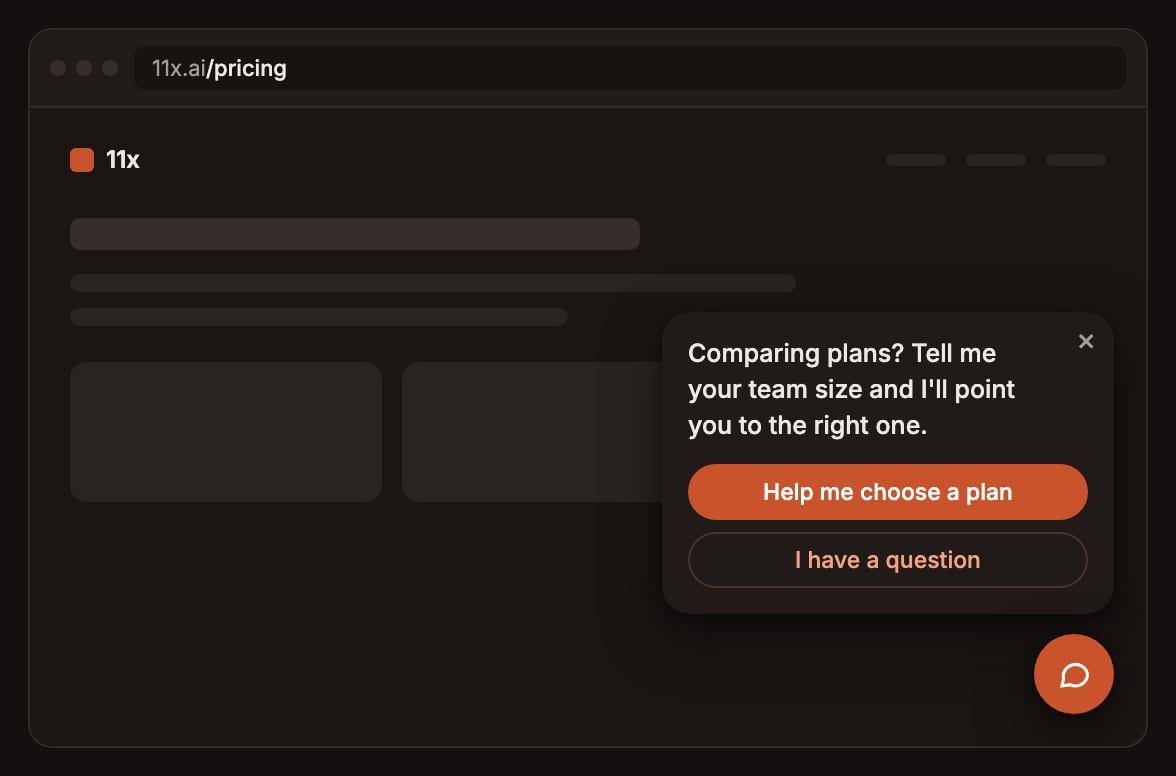
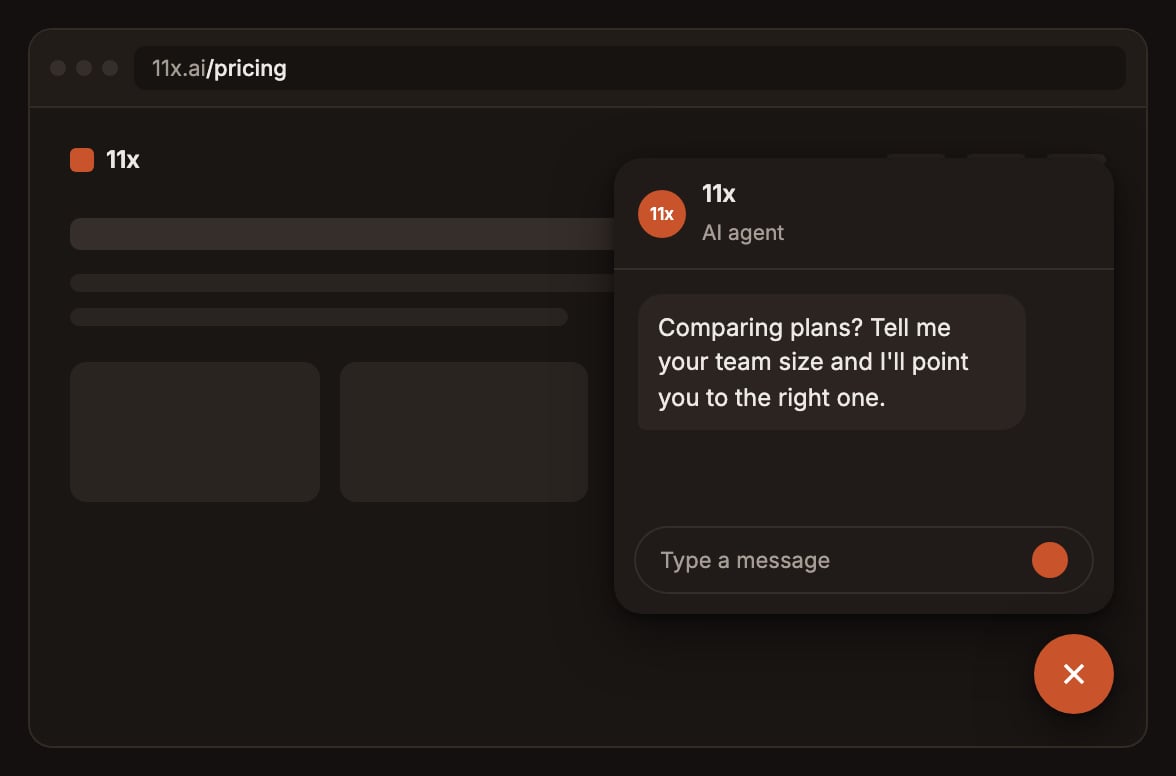
/pricing, after 20 seconds, opens the panel: “Comparing plans? Tell me your team size and I’ll point you to the right one.” - Everyone else. Any page, after 60 seconds, as a nudge: “Anything I can help you find?”
Good to know
Which trigger fires
Which trigger fires
- Triggers are checked in list order and the first one whose conditions all hold wins, so put specific triggers
above general ones. - Time on site counts from the first page that loaded the widget in that browser tab, across
page navigations and reloads. - Only on pages matches a section:
/pricingmatches/pricingand/pricing/teams, but not/pricing-old./matches the homepage only. - It fires at most once per browser tab session. A visitor who opens the chat themselves uses up that chance, and a reload doesn’t fire it again. - It never fires in a background tab, and doesn’t apply to inline widgets, which are always open.
How nudges behave
How nudges behave
- Clicking a reply opens the chat and sends the reply’s message as the visitor’s first message, after the email gate or consent notice if those are on. - The nudge’s message becomes the chat’s first message only when the visitor clicks the bubble or a reply. Opening from the launcher shows the agent’s normal first message. - Without replies of its own, a nudge uses the agent’s suggestion chips. - A nudge isn’t shown to a visitor who already has a conversation in progress.
UTM matching
UTM matching
Values must match exactly and are read from the page’s address when the widget loads. If a visitor lands with a UTM
and clicks through to a page whose address doesn’t carry it, a UTM trigger can’t fire there, so pair campaign
triggers with a short time on site.
Measuring it
Measuring it
Nudges send
chat_nudge_shown, chat_nudge_clicked, chat_nudge_opened and chat_nudge_dismissed events, which
you can forward to your analytics. See Install the widget.